How to understand who changed what in your Shopify store
Shopify's new Store activity log keeps 18 months of changes by staff, agencies and apps. Where to find it, what it records and what it leaves out.

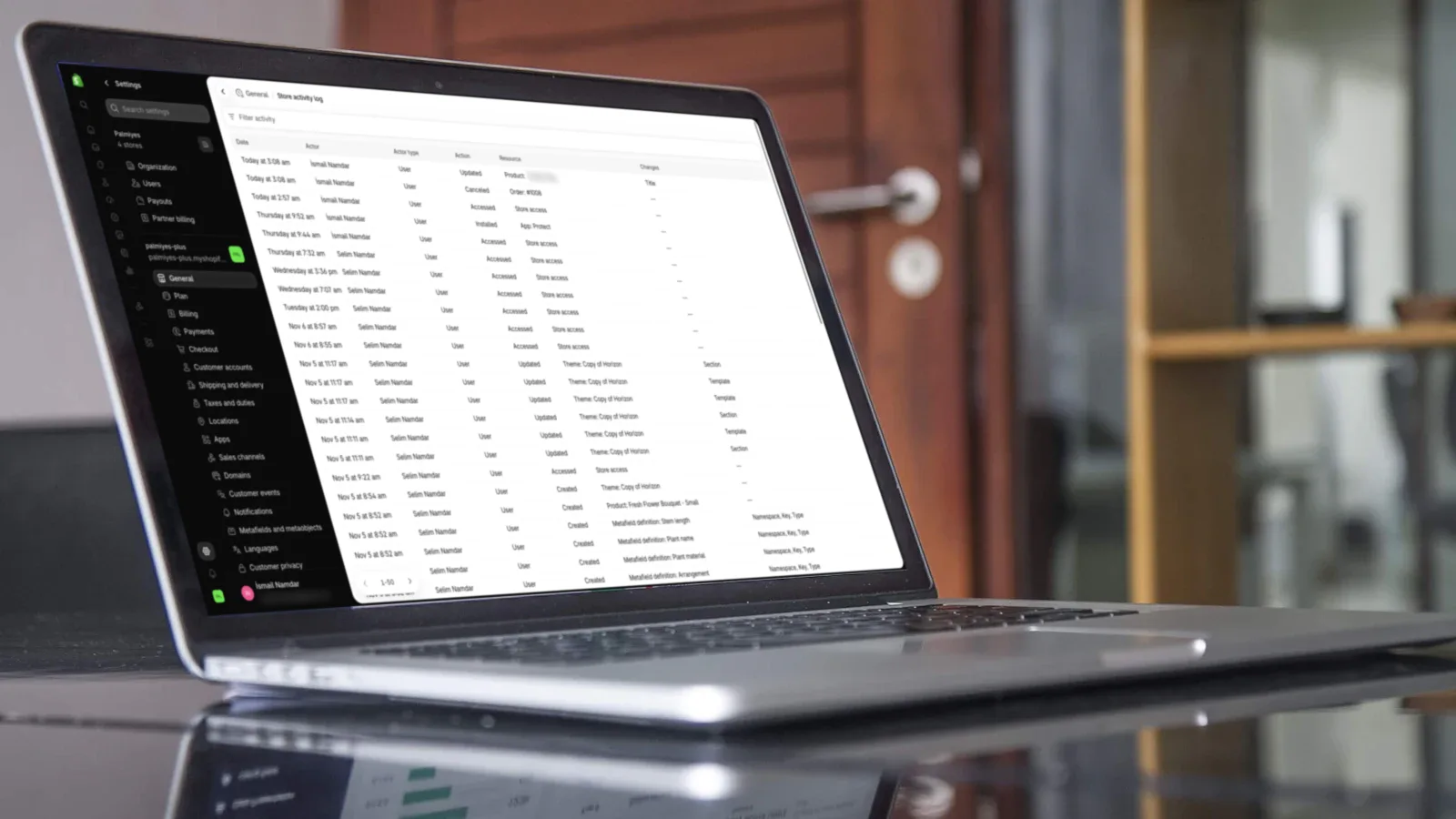
We were contacting Shopify to understand who changed what and when in our store, mainly to understand a problem that we were facing. That changed completely with a release on November 13th. Shopify released an exciting feature called Store activity log, available to all stores. It stores 18 months of logs, which is a much longer time than what other apps store. This is beneficial especially if your store has many staff members, agency profiles and apps installed.
Navigate to Settings → General → Store activity log or simply search for “log” to view the page.
You can also click this link: https://admin.shopify.com/settings/general/audit
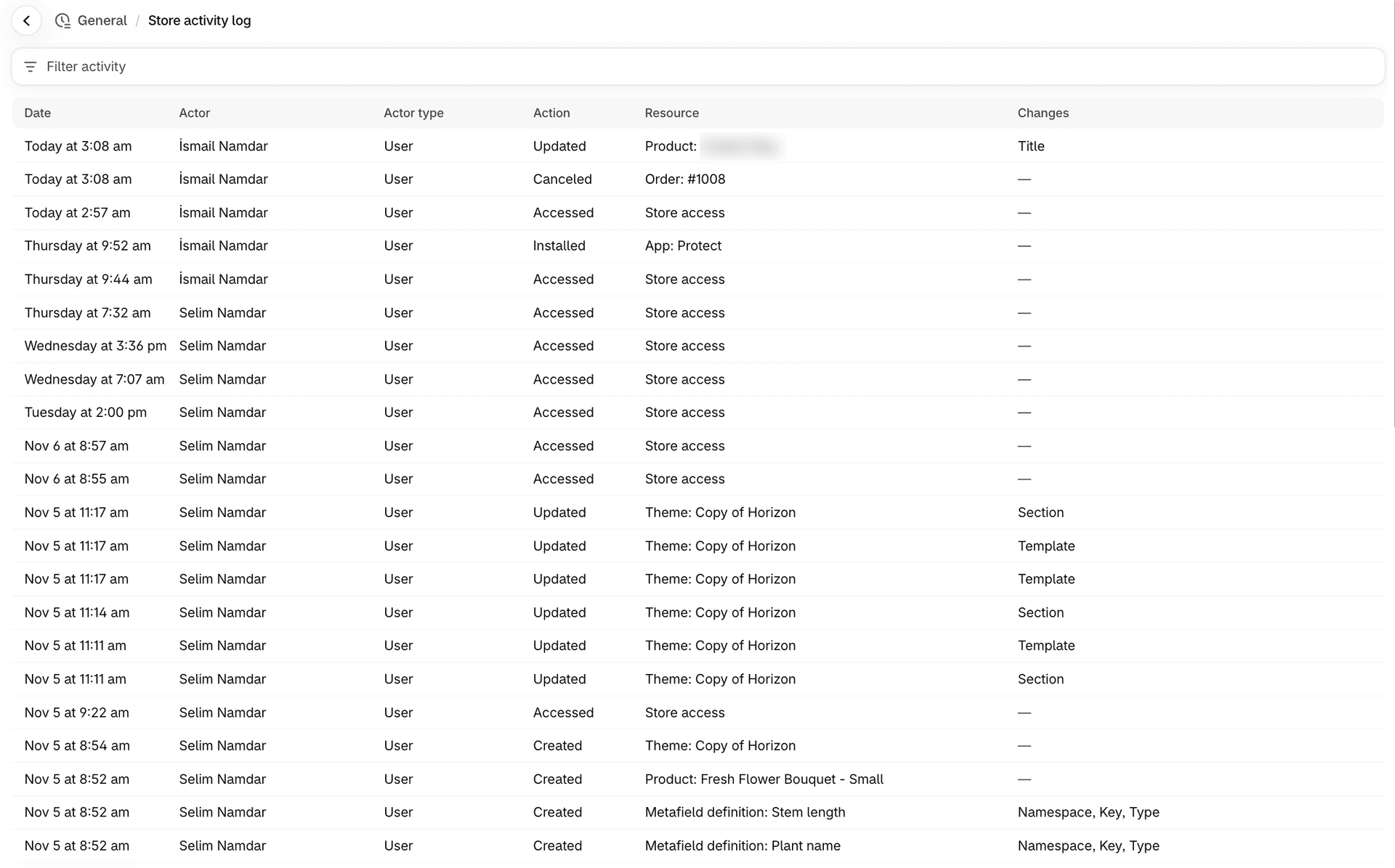 Shopify Store activity log showing who changed products, orders, themes and metafield definitions
What is visible in the logs?
- Products
- Orders
- Discounts
- Themes
- Apps
- Staff
- Payments
- Store settings
- Store access
- Publication
- Notification templates
- Metafield definitions
Expect a lot of the changes to be listed here, but not every single one. For example, fulfilling an order or changing the inventory of a product won’t appear.
What you need to do?
If you need to understand what was changed, by whom and when to reason about a situation, refer to the Store activity log.
Tags
- Shopify store activity log
- Shopify activity log
- Shopify audit log
- Who changed what in Shopify
- Shopify staff changes
- Shopify admin settings

Written by
Ismail Namdar
Founder at Palmiyes
Ismail leads every project from the first call through architecture and launch ensuring quality at every step.
More about Ismail